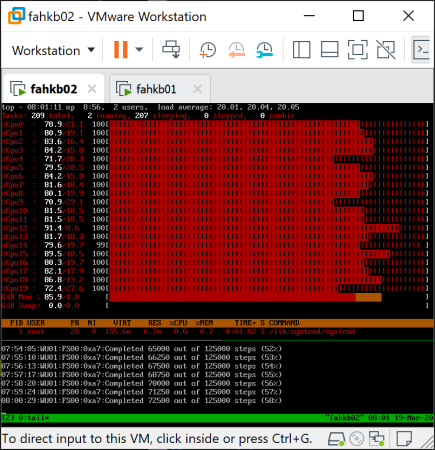
You might have seen my previous blog post about the VMware Appliance for Folding@Home. This article is about how the local console was made underneath – and actually how simple it is. Usually when powering on a Linux-based operating system, you just get the usual login console after boot. I thought that it would be handy to see what or if something is ongoing without actually logging in – so in other words: Seeing how busy the virtual machine is, and what the Folding@Home software is doing. So I went ahead figuring out a simple, fast and easy way showing both. Ending up with the idea: Using a terminal multiplexer, and showing the classic top and tail -f /var/lib/fahclient/log.txt. That’s how it looks like (when Enable F@H Stats in VM Console was enabled during deployment): This is how it works…
Blog
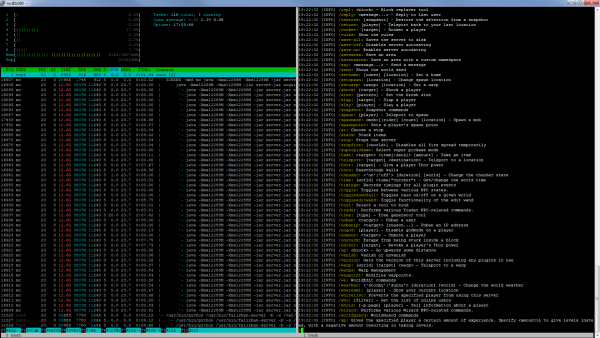
Split Screen. Genau das habe ich vor wenigen Tagen mal gebraucht, wo ich gleichzeitig die Serverauslastung und Logs überwachen wollte. Natürlich habe ich auch dafür eine Lösung gefunden. Split Screen kann man mit dem Programm screen oder auch mit tmux machen – hier werde ich die Befehle für beide Programme…