
This is just a quick note about something I’ve came across a few weeks ago. Here I was facing the following error when enabling enabling Fault Tolerance on one or more virtual machine: As you might see on the screenshot, there are unfortunately no additional pieces of information nor a task with more…
Blog
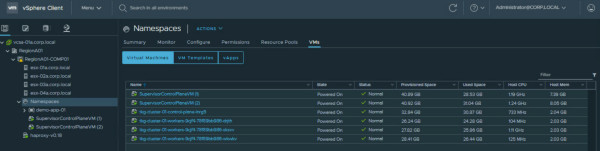
When enabling WCP (Workload Platform) on your vSphere cluster, by default 3 SupervisorControlPlaneVMs (SV) will be deployed. (Those VMs are also sometimes referred as "agents") Those VMs contain a Kubernetes cluster used to: provision your pods on your ESXi hosts, to provision your TKC (Tanzu Kubernetes…
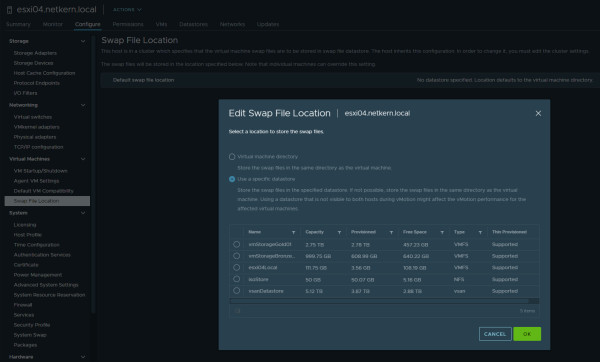
As part of a customer request we were in need to change the swap location to a different datastore, as the current datastore was about to be removed in the near future. This post is meant as a quick note in case someone also despairs changing the datastore for the swap location in VMware vCenter 7.0…
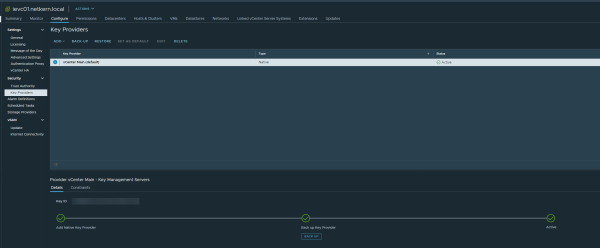
Recently vCenter 7.0 Update 2 was released to the public, with new features and improvements. For me one highlight was the introduction of the "vSphere Native Key Provider" (NKP): a native KMS (Key Management Server), or now also called "Key Provider". This allows using features like VM-Encryption, vSAN…
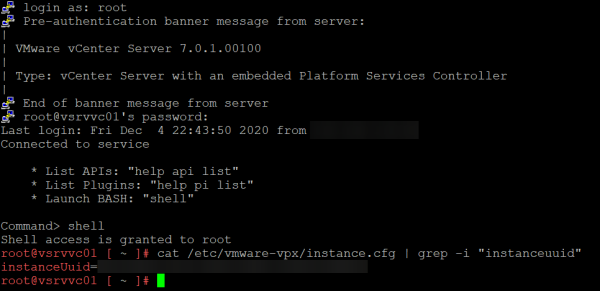
That post is more a quick note, in case someone ever needs this. There might be few very specific and rare situations where you might need the unique vCenter-Instance-UUID. In this case, you can get the instanceUuid in following configuration file /etc/vmware-vpx/instance.cfg:
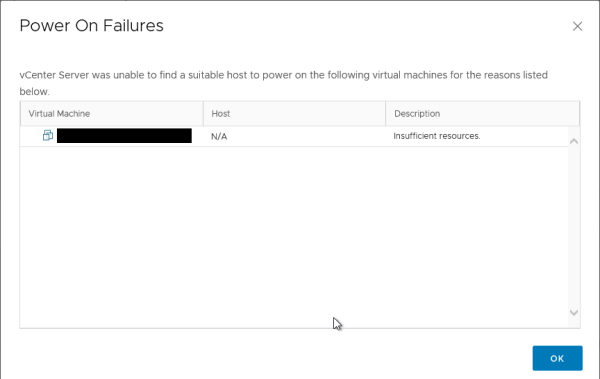
Once there was a DRS-enabled cluster with a mystery: When trying to start a virtual machine, the very generic error Insufficient resources appeared. However further checking all hosts in the cluster reveals that there’re enough resources left to start this specific virtual machine. But still, the VM…
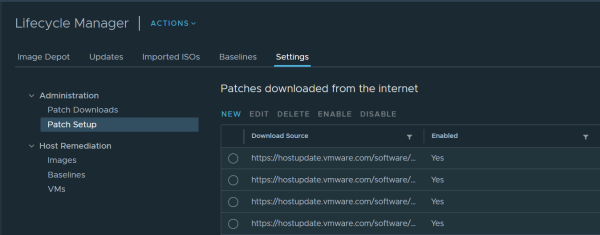
Recently I’ve seen more cases where the Lifecycle Manager in vCenter 7 fails syncing updates and pulling depot metadata. In this case you see an error like: An error occurred while downloading depot metadata from https://hostupdate.vmware.com/software/VUM/PRODUCTION/addon-main/vmw-depot-index.xml.. Just…
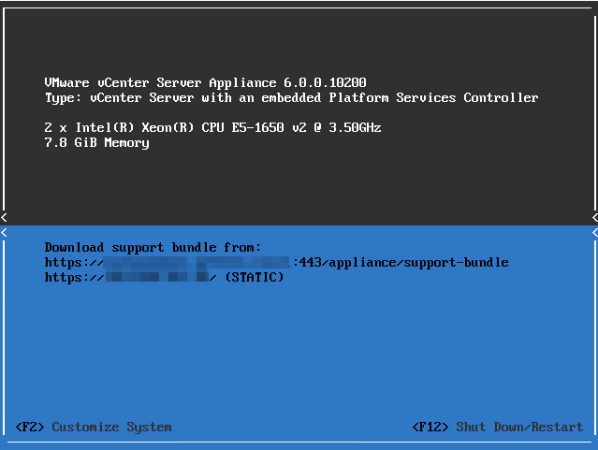
Standardmäßig kann die Bash-Shell der VMware vCenter Server Appliance 6.0 nur für maximal 86400 Sekunden – also 24 Stunden – aktiviert werden. Nach dem Ablauf wird die Bash-Shell wieder deaktiviert und die eingebaute limitierte “ApplianceSh”-Shell verwendet. In älteren VCSA 6.0-Versionen gab es hier einen Trick, indem man das Timeout einfach auf den Maximalwert einstellte, welcher etwa 68 Jahre entsprach. Dieser funktioniert in den neueren Versionen leider nicht mehr: