vCenter 7.0 U2: "Swap File Location" cannot be changed to different datastore
Note
This article is more than 5 year(s) old – information may be outdated.
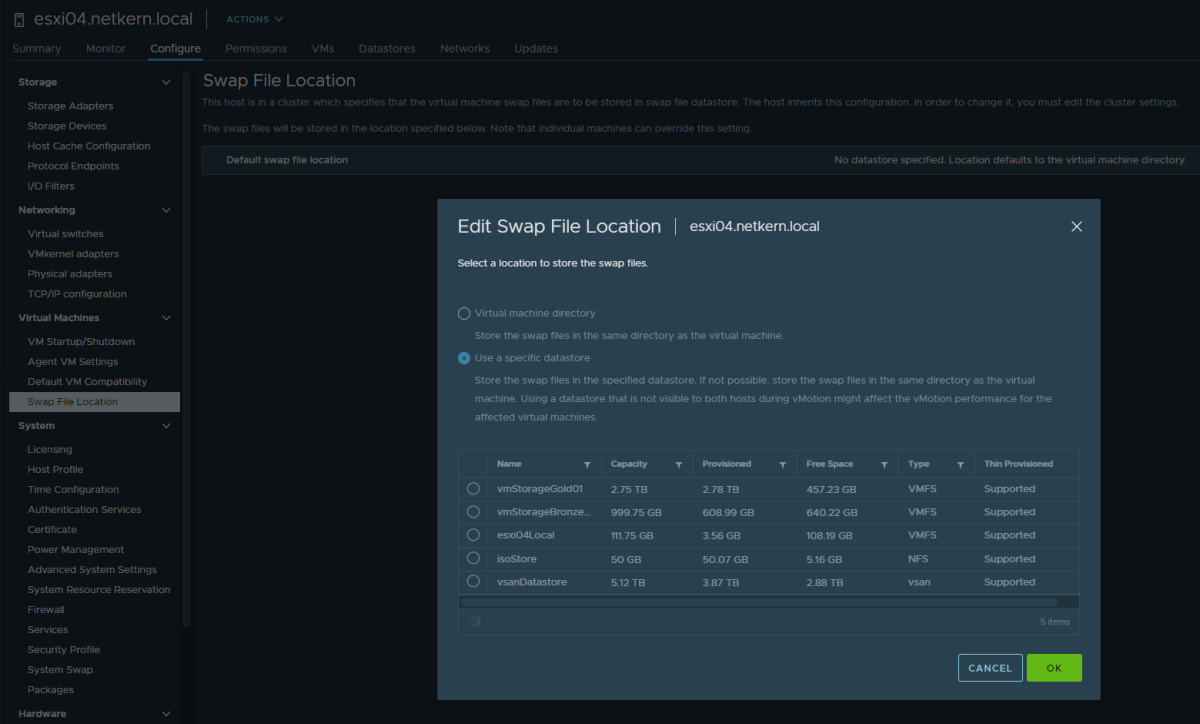
As part of a customer request we were in need to change the swap location to a different datastore, as the current datastore was about to be removed in the near future. This post is meant as a quick note in case someone also despairs changing the datastore for the swap location in VMware vCenter 7.0 Update 2 – just like I did.
The issue
In vCenter 7.0 U2 there is a small HTML5 UI-bug which prevents the user from selecting a datastore, as the whole mask is simply disabled.
The issue looks like:
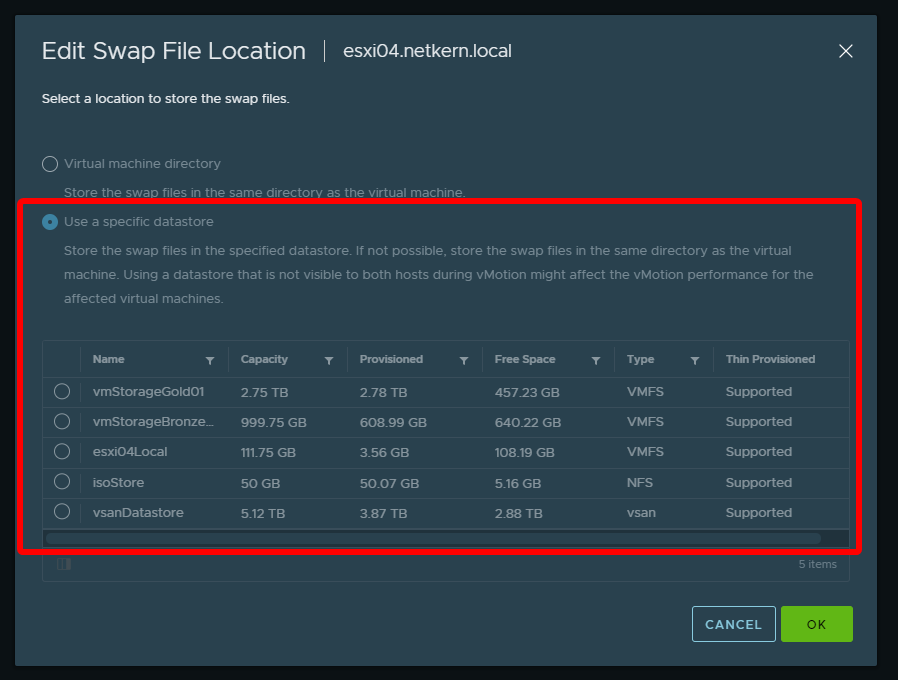
This requires that on the cluster-level you have set Configure - General - Swap file location to Datastore specified by host, as seen here:

Solution/Workaround
This is already addressed and will be fixed in vCenter 7.0 U3. As a workaround the change can be applied via PowerShell/PowerCLI.
To apply it on all hosts in a specific cluster:
Connect-VIServer vcenter.domain.tld
Get-Cluster -Name "Cluster2" | Get-VMHost | Set-VMHost -VMSwapfileDatastore "NewDatastore"
To apply it on a specific host:
Connect-VIServer vcenter.domain.tld
Get-VMHost -Name "esxi01.domain.tld" | Set-VMHost -VMSwapfileDatastore "NewDatastore"
PowerShell works as this is just an issue in the HTML5 UI client and the API requests and the core logic still works.
To install PowerCLI see instructions here.
Comments