piler update guide
Note
This article is more than 5 year(s) old – information may be outdated.
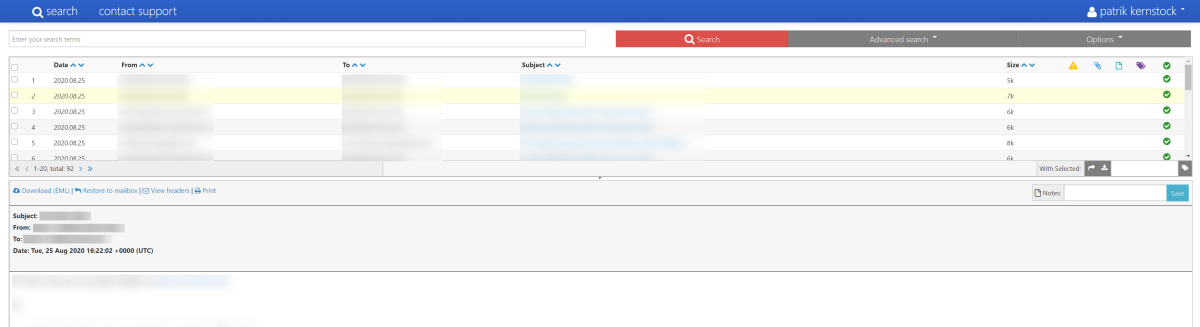
In addition to my piler installation guide this now focuses on updating an existing piler setup. Luckily this takes noticeable less time than the installation. If you don’t have piler up and running yet, check out my guide linked before.
piler update
Basically the update procedure consists out of four steps.
Step 1: Check upgrade notes
Make sure to check the upgrade notes at mailpiler.org/wiki/current:upgrade before starting the upgrade.
The reason: Depending on the changes between the current and the target version, it might be neccessary to change or perform specific steps like changing or updating the database or configuration files. So it’s a good idea to make you aware about the notes before jumping right into the upgrade-action.
The update from 1.3.9 to 1.3.10 did – for example – not require any additional changes than described here.
And don’t forget: Backup!
Step 2: Stopping services
Before we touch anything and to prevent that piler is interfereing in the background, we stop the services before updating. As searchd (sphinxsearch) is stopped as well, this does impact the piler UI.
/etc/init.d/rc.searchd stop
/etc/init.d/rc.piler stop
Step 3: Updating piler
In this step we finally update piler. A few notes:
- You can find the latest version on the mailpiler.org site here
- Adjust the variable
$PILER_VERSIONto the new version, e.g.1.3.10
The commands are following:
PILER_VERSION="1.3.10"

cd /root/mailpiler/piler/
wget https://bitbucket.org/jsuto/piler/downloads/piler-$PILER_VERSION.tar.gz
tar xzf piler-$PILER_VERSION.tar.gz
cd piler-$PILER_VERSION/
./configure --localstatedir=/var --with-database=mysql --enable-memcached
make
make install
ldconfig
Step 4: Starting services
After we’re done with updating piler, we can start Piler and searchd again:
/etc/init.d/rc.piler start
/etc/init.d/rc.searchd start
Step 5: Profit.
That’s about it. This way my update from piler 1.3.9 to 1.3.10 worked flawless and took not more than five minutes. Hope this helped!
Comments