ADFS 2019: Allow logon with sAMAccountName
Note
This article is more than 5 year(s) old – information may be outdated.
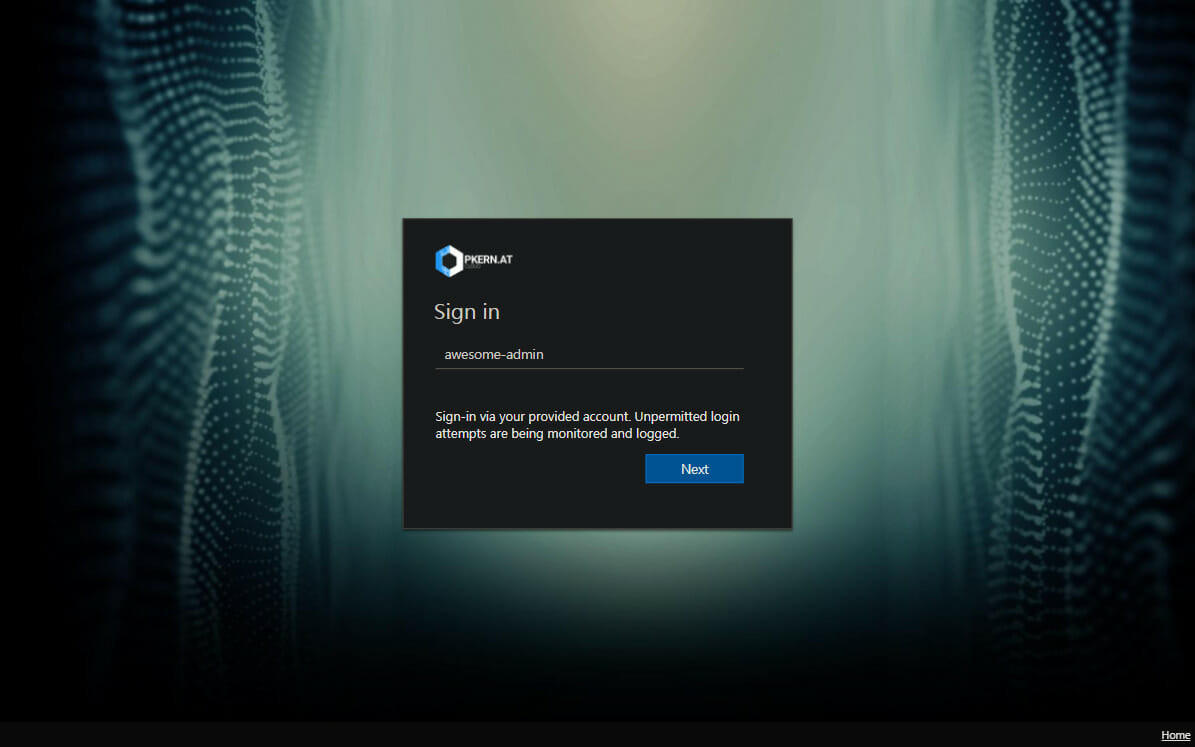
Active Directory Federation Services (ADFS) allows plenty of customizations when it comes to the website theme.
One specific customization allows the logon using just the sAMAccountName (e.g. awesome-admin) instead of the UPN (User Principal Name) (e.g. awesome-admin@example.com), by modifying the behavior via a few lines of JavaScript code. However this implementation does not work with ADFS 2019 anymore, as this release ships with a completely new default theme.
I’ve modified the code to work for the latest ADFS2019 theme.
Follow following steps to implement this:
-
Clone the default template: (only needed to be done once)
POWERSHELLNew-AdfsWebTheme –Name custom –SourceName DefaultAdfs2019 -
Export the new custom theme:
POWERSHELLExport-AdfsWebTheme –Name custom –DirectoryPath c:\theme - Open
onload.jsin any editor of your choice (notepad does the job as well) - APPEND the content from
onload.add.jsfrom below GitHub repository toonload.jsAT THE END:
https://github.com/patschi/adfs-themes/tree/master/remember-user-and-auto-domain -
Save the modified
onload.jscommand:POWERSHELLSet-AdfsWebTheme -TargetName custom -OnLoadScriptPath "c:\theme\script\onload.js" -
Change the current default template: (only needed to be done once)
POWERSHELLSet-AdfsWebConfig -ActiveThemeName custom
Hope this helps someone!
Changelog
- 2022-07-24: Based on Martins feedback from the comments I have added support for "Update Password" page. Also the entire code base was reworked and code moved to GitHub.
Comments