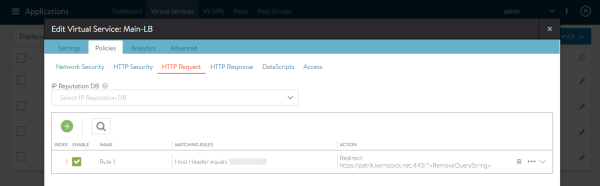
VMware NSX Advanced Load Balancer – also known as AVI Vantage – is a very comprehensive load balancer I was implementing in my lab the last days. By default AVI Controller creates one HTTP-Policy-Set per Virtual Service by default and can be managed via UI. However the UI does not allow to create multiple…
Blog
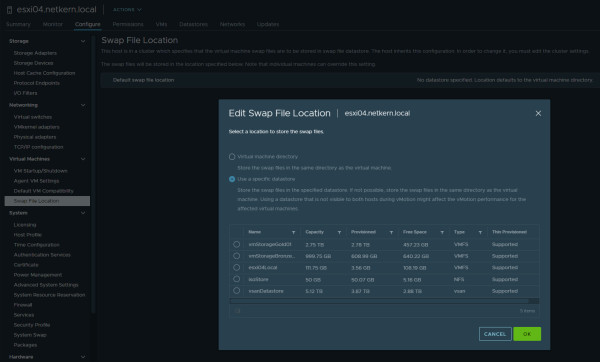
As part of a customer request we were in need to change the swap location to a different datastore, as the current datastore was about to be removed in the near future. This post is meant as a quick note in case someone also despairs changing the datastore for the swap location in VMware vCenter 7.0…
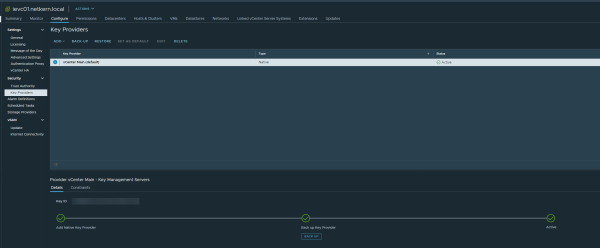
Recently vCenter 7.0 Update 2 was released to the public, with new features and improvements. For me one highlight was the introduction of the "vSphere Native Key Provider" (NKP): a native KMS (Key Management Server), or now also called "Key Provider". This allows using features like VM-Encryption, vSAN…

In addition to my piler installation guide this now focuses on updating an existing piler setup. Luckily this takes noticeable less time than the installation. If you don’t have piler up and running yet, check out my guide linked before. Basically the update procedure consists out of four steps. Make…
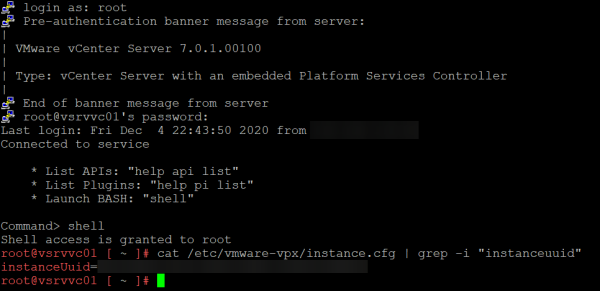
That post is more a quick note, in case someone ever needs this. There might be few very specific and rare situations where you might need the unique vCenter-Instance-UUID. In this case, you can get the instanceUuid in following configuration file /etc/vmware-vpx/instance.cfg:
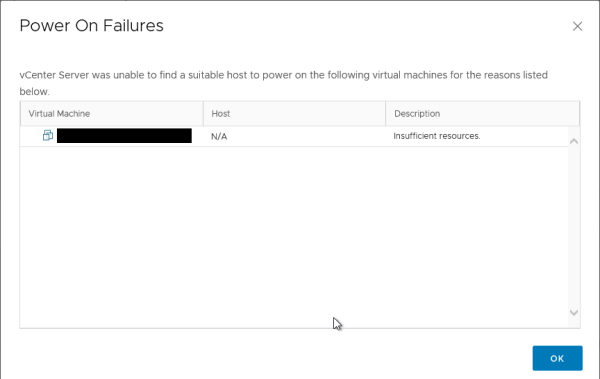
Once there was a DRS-enabled cluster with a mystery: When trying to start a virtual machine, the very generic error Insufficient resources appeared. However further checking all hosts in the cluster reveals that there’re enough resources left to start this specific virtual machine. But still, the VM…
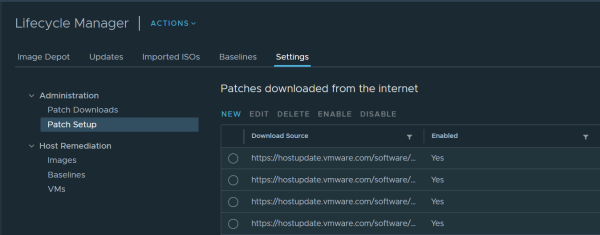
Recently I’ve seen more cases where the Lifecycle Manager in vCenter 7 fails syncing updates and pulling depot metadata. In this case you see an error like: An error occurred while downloading depot metadata from https://hostupdate.vmware.com/software/VUM/PRODUCTION/addon-main/vmw-depot-index.xml.. Just…

When attaching any kind of USB devices, the service usbarbitrator claims those devices to allow passing through USB devices into virtual machines. This is (one of) the reason you won’t see USB sticks as "Storage Devices" on your ESXi, therefore not allowing you to create a datastore on it. But at this point you have to make a decision, as you can’t have both: Using a USB device as a storage OR having the ability to passthrough USB devices to VMs Just to be very clear: This is NOT officially supported by VMware. You should not use datastores on USB devices in production. If you decide to go ahead…
Want to update piler? Then you can check out my piler update guide. This is my installation guide for mailpiler I have written and optimized in the last days. If there are any questions or ideas, please let me know in the comments below or via email. piler is a open source email archiving solution with benefits and many features. The main usecase is for compliance and legal reasons of companies. Piler can encrypt and compress, deduplicate mails to reduce disk usage. This should guide you through the setup of mailpiler on a fresh Ubuntu installation. For your convenience I have added quite some sed commands for easily adjusting most configuration files as needed and also variables for easier replacing specific values throughout the guide. However note, that the goal of this is not automating the installation and you might need to adjust the configuration to your own needs during or after steps provided. Consulting documentation and guides linked below is recommended. This guide should take approx. 45 minutes.

There was once… a customer who was concernced about the network-wise failover on the ESXi-level, which was not working as he expected it to. To shed some light on the complete scenario… The configuration is pretty simple: The switch is vSwitch0 As Failover order there are two vmnic adapters configured as active. (Let’s say vmnic0 and vmnic1) Load balancing is Route based on IP hash (Static LAG/etherchannel/trunk set on physical switch) Network failure detection is Link status only Notify switches is Yes. Taking above into consideration: When disabling one of the two active vmnic adapters on ESXi using esxcli network nic down -n vmnicX you would expect a failover to occur – don’t you? The truth is: Not necessarily. Let’s go into detail…